
Using data lists
How to read, change, search, and manage the contents of lists in Vende, and what it means when an action is refused.
On this page
Almost every menu in Vende is a list: products, customers, sales, purchases, and so on. All lists work with the same pattern.
View first, change later
Every row has a View button. Tapping the row also opens View: a read-only page with all of the record (for a product: units, prices, variants, and stock per warehouse). From that page press Edit at the top if something needs fixing.
Roles that may view but not change, such as Auditor, can still read every detail. The Edit button only shows for those who may use it. See Roles and permissions.
Row buttons
Row buttons are icons only so they fit on a phone, in the same order in every list. The order and meaning are in Using Vende on a phone. A button that could only be refused is hidden, or explains the reason when pressed.
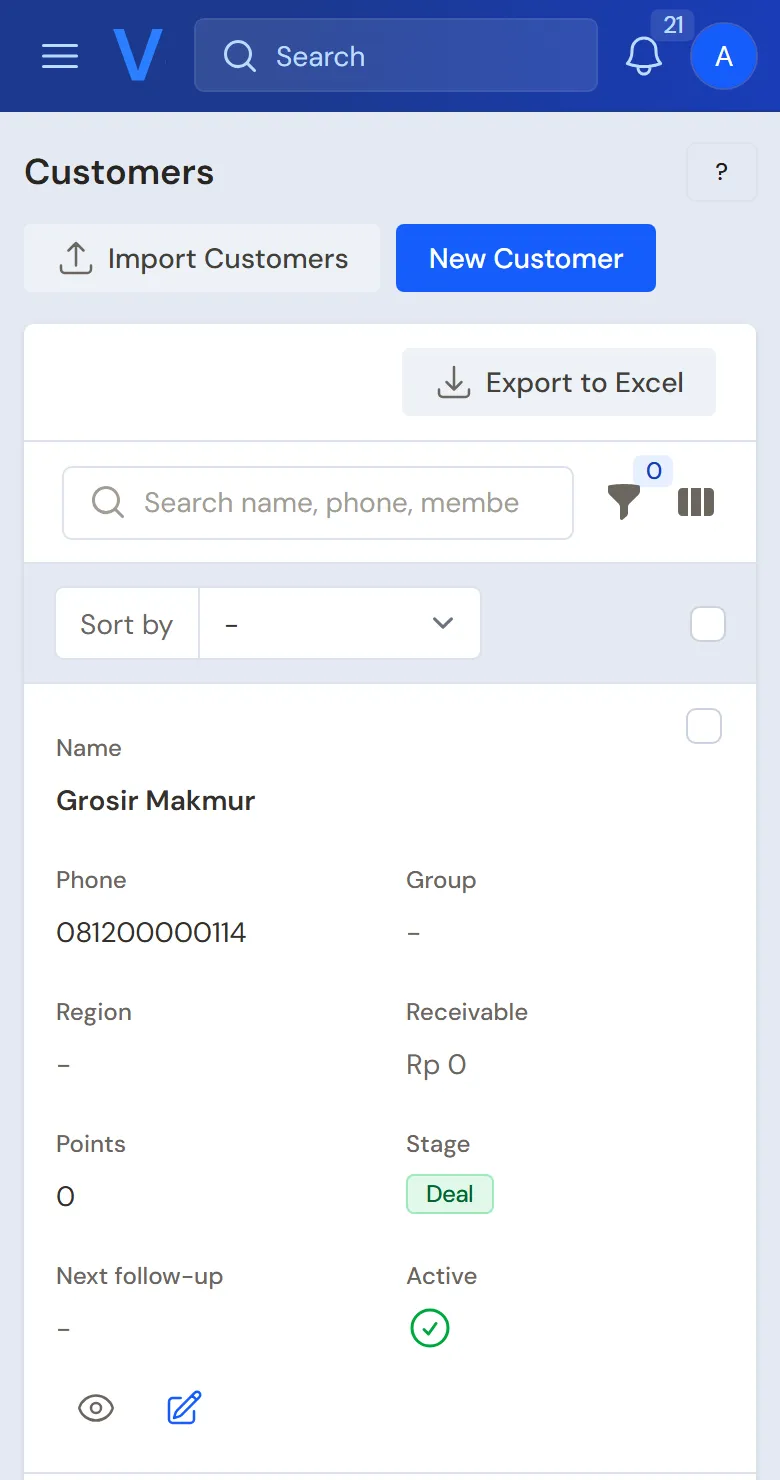
Searching and filtering
- The search box looks in names, numbers, and also in the Notes or Description text.
- The funnel icon opens the filters. Most details a list shows as a column can be filtered, for example branch, warehouse, customer, supplier, cash account, the user who recorded it, product, category, kind, and status. Several filters work together, and the active ones show above the list. The branch filter only appears when the list holds more than one branch. The Excel export follows the filters in use.
- Lists by date have period buttons Today, This month, and Last month. See Sales list.
- An empty list says No ... yet, or No matching ... when the filter is too narrow. Clear the filter.
Bulk actions
Tick several rows, then choose an action above the list (for example delete, change, or restore). Vende checks each record on its own. Records that may be processed are processed, and the refused ones are listed with their own reason.
When an action is refused
A refusal message always names the real cause and the way out, not just "no access". Example causes:
- The record was born from another document, for example production from a production order. Change or delete it through the source document.
- A rental unit or dining table is still in use. Finish its session first.
- The document's month has been closed. See Closing the books.
- Another document still depends on it, for example a serial number that has been sold. The message names the document number.
When a single document is refused (not a bulk action) and you may open it, the message carries an Open ... button that opens the blocking document directly. In a bulk action the reason is only written, so open the document it names yourself. If your role's permission is what refuses, ask the shop owner or the holder of the right role to help or change the permission.